这是实战篇,往下看先
当前数据
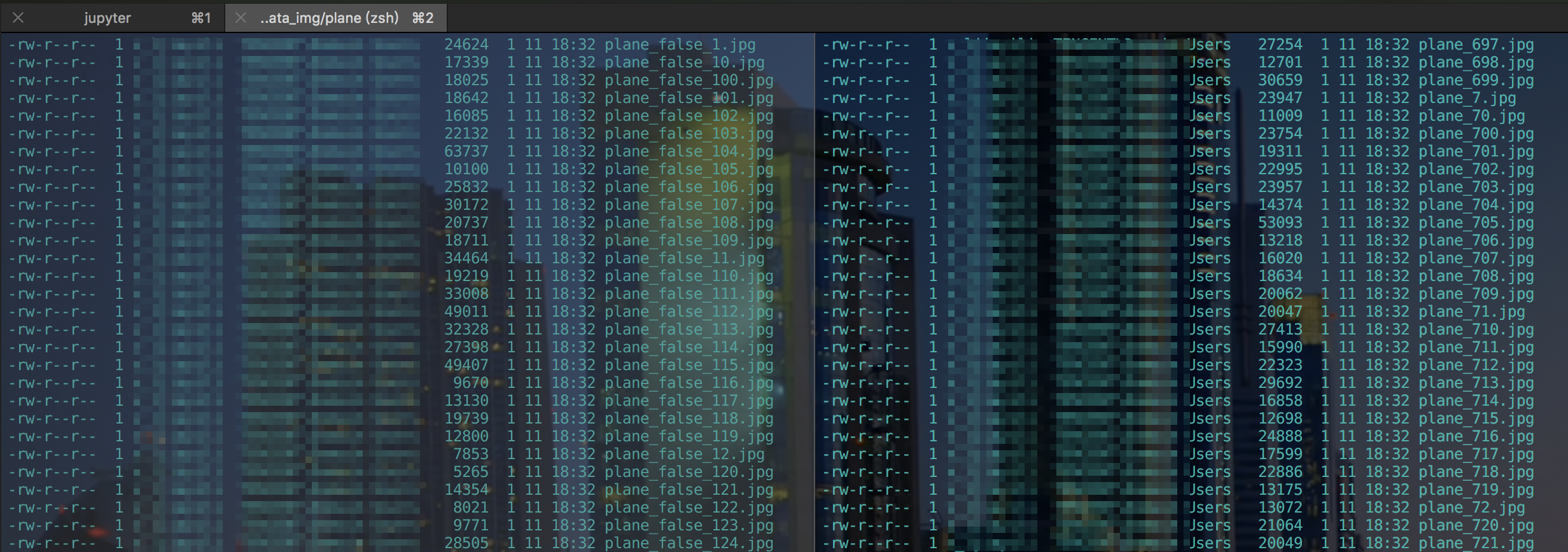
当前我有这些图片数据, 分为是飞机(plane_)和不是飞机(plane_false)的二分类数据集原图.分别存在两个不同的文件夹
- 数据1 -> 大概是1600+张
- 数据0 -> 大概是160+张
比例是10:1左右, 而数量1800+上来看也不是很理想, 我这里为了省事是直接水平翻转图片, 得到1800*2(待会见代码). 当然为了避免欠拟合情况当然更好的方法是挖掘更多的资源.
根据文件夹标签化图片
头部一些声明:
1
2
3
4
5
6
7
8
9
10
11
12
13
14
15
16
17
18
19
20
21
22
23
24
25
26
27
|
1

2

3

4

5

6

7

8

9

10

11

12
|
1
2
3
4
5
6
7
8
9
10
11
12
13
14
15
16
17
18
19
20
21
22
23
|
\# -\*- coding:utf-8 -\*-

\_\_author = 'dobby'

import tensorflow as tf

import os

import random

from PIL import Image

plane\_path = '/Users/dobby/Documents/data\_img/plane'

UNplane\_path = '/Users/dobby/Documents/data\_img/UNplane'

records\_path = '/Users/dobby/Documents/data\_img/train.tfrecords'

dataset\_list = \[\]
|
遍历这两个文件夹, 如果是plane文件夹,那里面存储是label=1的图片, 反之是0. 进行标签化
存储方式为(image_path, label)的元组 一起存储在dataset_list数组中
1
2
3
4
5
6
7
8
9
10
11
12
13
14
15
16
17
18
19
20
21
22
23
24
25
26
27
28
29
|
1

2

3

4

5

6

7

8

9

10

11

12

13
|
1
2
3
4
5
6
7
8
9
10
11
12
13
14
15
16
17
18
19
20
21
22
23
24
25
26
27
|
def classic\_data(path):

    \# 根据目录标签数据

    if path == plane\_path:

        label = 1

    else:

        label = 0

    file\_list =  os.listdir(path)

    for each in file\_list:

        if each\[:5\] != 'plane':

            continue

        im\_full\_path = os.path.join(path, each)

        dataset\_list.append((im\_full\_path, label))
|
转为数据集
1
2
3
4
5
6
7
8
9
10
11
12
13
14
15
16
17
18
19
20
21
22
23
24
25
26
27
28
29
30
31
32
33
34
35
36
37
38
39
40
41
42
43
44
45
46
47
48
49
50
51
52
53
54
55
56
57
58
59
60
61
62
63
64
65
66
67
68
69
70
71
72
73
74
75
76
77
78
79
80
81
82
83
84
85
86
87
88
89
90
91
92
93
|
1

2

3

4

5

6

7

8

9

10

11

12

13

14

15

16

17

18

19

20

21

22

23

24

25

26

27

28

29

30

31

32

33

34

35

36

37

38

39

40

41

42

43

44

45
|
1
2
3
4
5
6
7
8
9
10
11
12
13
14
15
16
17
18
19
20
21
22
23
24
25
26
27
28
29
30
31
32
33
34
35
36
37
38
39
40
41
42
43
44
45
46
47
48
49
50
51
52
53
54
55
56
57
58
59
60
61
62
63
64
65
66
67
68
69
70
71
72
73
74
75
76
77
78
79
80
81
82
83
84
85
86
87
88
89
|
def create\_record(data\_list, should\_transpose=False):

    """

     图片转为bytes写入

     字符串也是bytes

     1/0 Int

    """

    counter = 0

     \# 新建一个写入session

    writer = tf.python\_io.TFRecordWriter(records\_path)

    for path,label in data\_list:

        counter += 1

        print("{i},{j}\\n".format(i=path, j=label))

        \# 打开图片

        img = Image.open(path)

        \# 将图片统一大小

        img = img.resize((300, 300))

        \# 转换为bytes

        img\_raw = img.tobytes()

        data = tf.train.Example(

            features=tf.train.Features(

                feature={

                    'label':tf.train.Feature(int64\_list=tf.train.Int64List(value=\[label\])), \# 0/1 分类,所以是INT

                    'image':tf.train.Feature(bytes\_list=tf.train.BytesList(value=\[img\_raw\])) \# 字符串/图片/语音用bytes

                }

            )

        )

        writer.write(data.SerializeToString())

        if should\_transpose:

            counter += 1

            \# 将图片左右翻转后生成一张新的图片,label不变,

            rot\_img = img.transpose(Image.FLIP\_LEFT\_RIGHT)

            rot\_img\_raw = rot\_img.tobytes()

            data\_2 = tf.train.Example(

                features=tf.train.Features(

                    feature={

                        'label':tf.train.Feature(int64\_list=tf.train.Int64List(value=\[label\])),

                        'image':tf.train.Feature(bytes\_list=tf.train.BytesList(value=\[rot\_img\_raw\]))

                    }

                )

            )

            writer.write(data\_2.SerializeToString())

    writer.close()

    print("写入数据集-DONE, 共存{}个数据".format(counter))
|
writer = tf.python_io.TFRecordWriter(records_path)启动一个写入TFRecord句柄, 遍历数组取出图片和label, 将图片设置统一大小并转为bytes.tf.train.Example(tf.train.Features)是核心的处理代码, Example成TensorFlow的特定规则数据, 通过使用TFRecordWriter写入到TFRecord中.Example包含一个键值对数据结构(与dict相同), 使用属性features记录, 因此, 初始化时必须传入这个features参数writer.write(data.SerializeToString())把Example序列成字符串写入TFRecordshould_transpose=False参数用来配置是否水平翻转图片, 并令数据扩大一倍- 当然关于TFRecord的写入具体规则, 如果需要可以参考该链接Tensorflow: 文件读写
测试是否写入成功
执行函数代码, 需要注意, 我提前将数据存储在python的列表中的, 可以使用random.shuffle进行数据的洗牌
1
2
3
4
5
6
7
8
9
10
11
|
classic\_data(plane\_path)

classic\_data(UNplane\_path)

random.shuffle(dataset\_list)

create\_record(dataset\_list, should\_transpose=True)
|
结果:
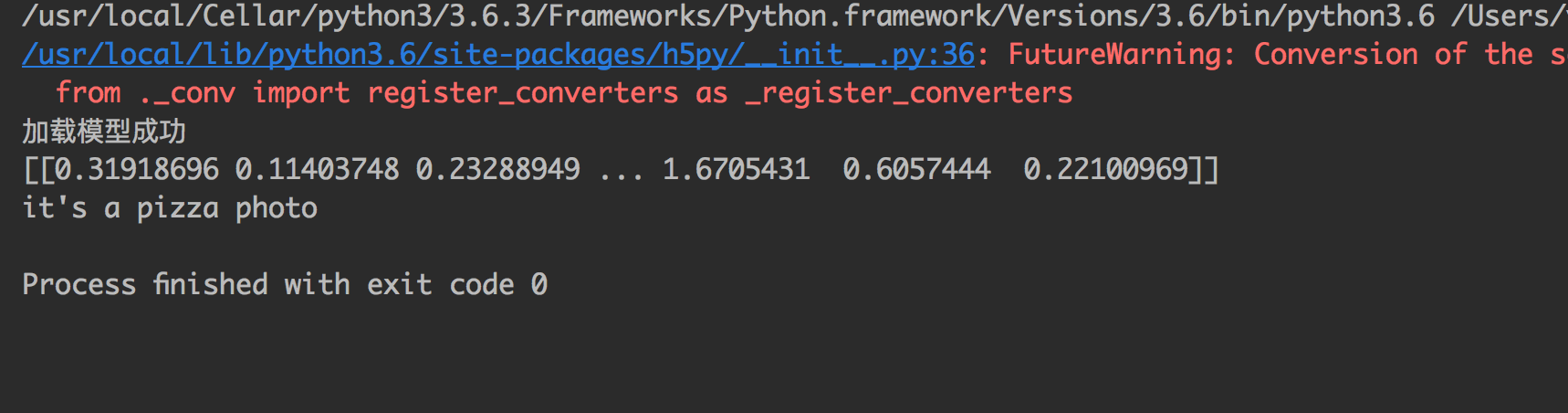
可以看到数据洗牌, 而且数据*2, 都成功做到了.
